


From Claude Code to Figma

Yesterday, Figma announced new features: From Claude Code to Figma.
That was a missing link in flawless work for developers with Figma. It was possible to work only in one direction: from Figma to code. But not vice versa. And that was the reason why we created our open-source Figma MCP server. We implemented it, and we released it as open-source. The idea and implementation were accepted by people. We even won Product of the Day on ProductHunt.
We anticipated that at some point, it would be part of Figma as a product. And we are happy that our idea and implementation outpaced the timeline and showed the possibilities of how Figma could be used alongside favorite developer tools like Cursor or Claude Code. We might not agree with the approach that Figma takes. For us, it should be just a set of Model Context Protocol tools. And migration of code from Claude Code to Figma could be an agent skill. This approach will follow the standards in development. But we are looking at it outside of Figma. Figma, as a company and as a product, may have its own reasons for doing things the way it does. If they decided to make it as a plugin to Claude Code then they had a reason for it. We are just unaware of them.
Figma didn’t show a lot in their short demo video. They showed that it is possible to migrate an existing website(or application) into a Figma document. Let’s do the same with our community MCP server. We need to select something to migrate to Figma. Let it be our EXDST website. Let’s imagine that we lost access to our Figma design and we want to make some changes. We need to migrate it to Figma to see how these changes will look and compare a few variants before implementing them in code.
The tool set that I will use:
- Claude Opus 4.6 as LLM
- Cursor (only to make screenshots for better explanation, otherwise it can be Claude Code or any other instrument that supports MCP)
- Figma community MCP server
- Google Chrome dev MCP server
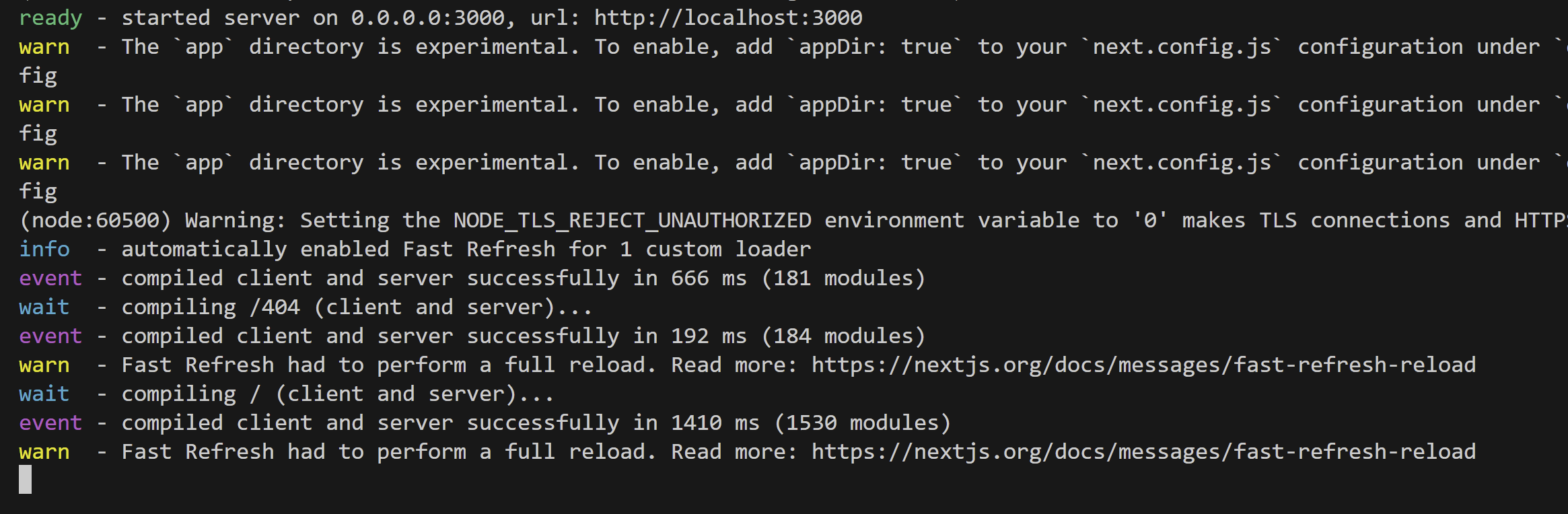
I opened the website in Cursor and started it in dev mode
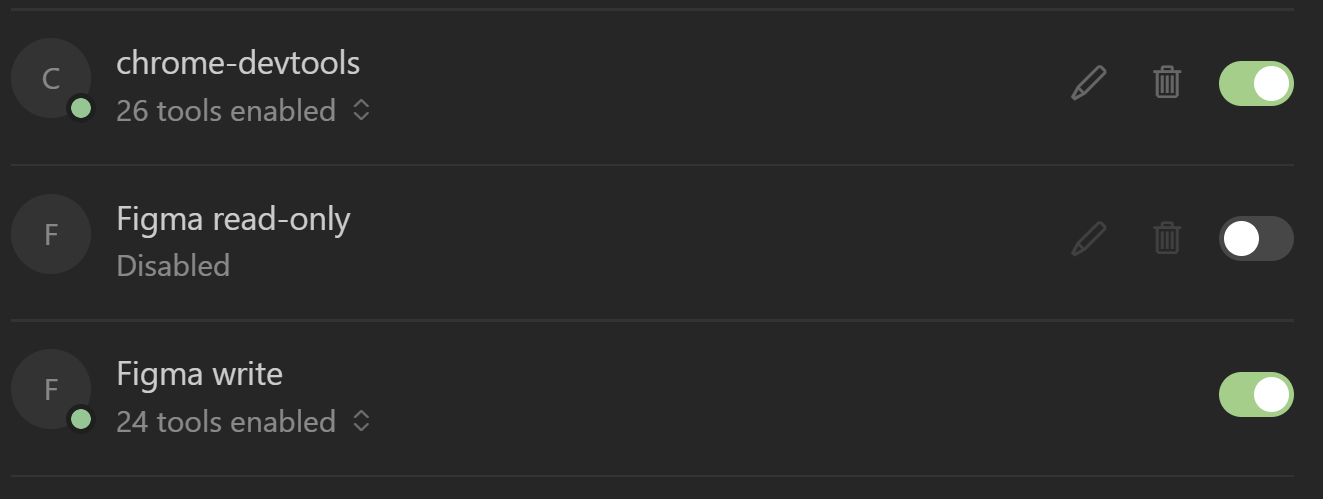
I enabled only two MCP servers. They give an ability to an AI agent to open a browser to check details. And it will also give abilities to make changes in Figma document.
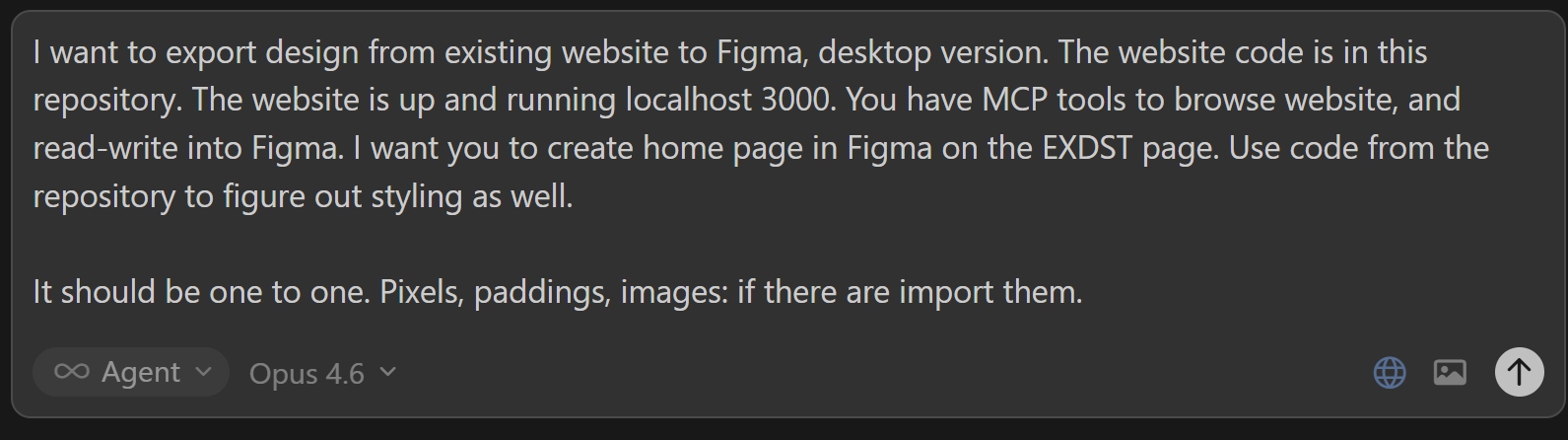
The prompt will be very basic:
I want to export design from existing website to Figma, desktop version. The website code is in this repository. The website is up and running localhost 3000. You have MCP tools to browse website, and read-write into Figma. I want you to create home page in Figma on the EXDST page. Use code from the repository to figure out styling as well. It should be one to one. Pixels, paddings, images: if there are import them.
If you do it regularly, you can better explain it and wrap it as an AI agent skill. For demo purposes to show how it works, it is just enough. Now, let’s leave the AI agent for a while and check the result in 5 minutes.
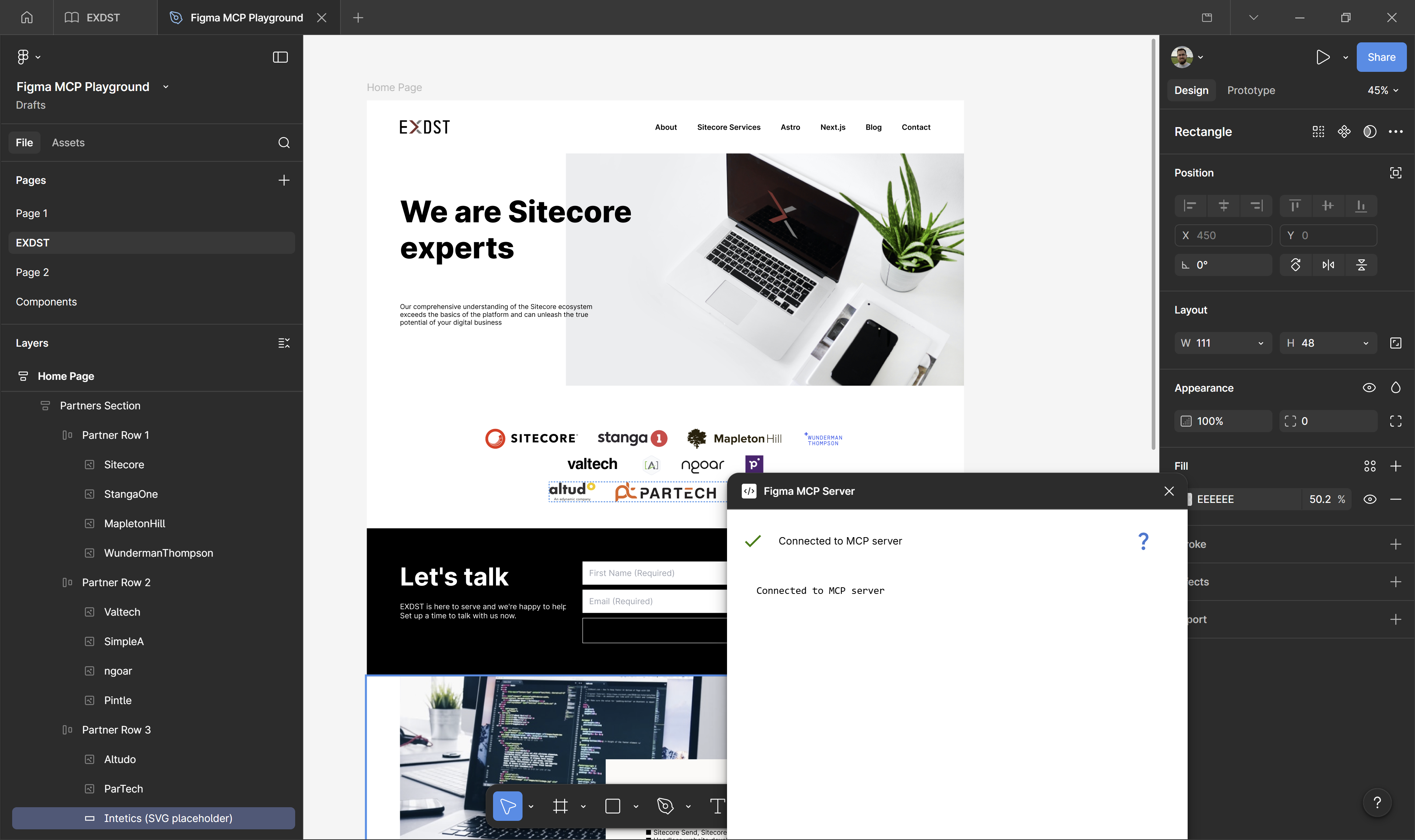
The result is great. We got everything ready in Figma. If something was not imported in a proper way, we still have access to chat with our AI agent and can ask to redo something, improve, or fix.
Yeah, probably now you don’t need our Figma MCP server to do it. Now, it should be possible out of the box. But you still have this option.